Project Overview
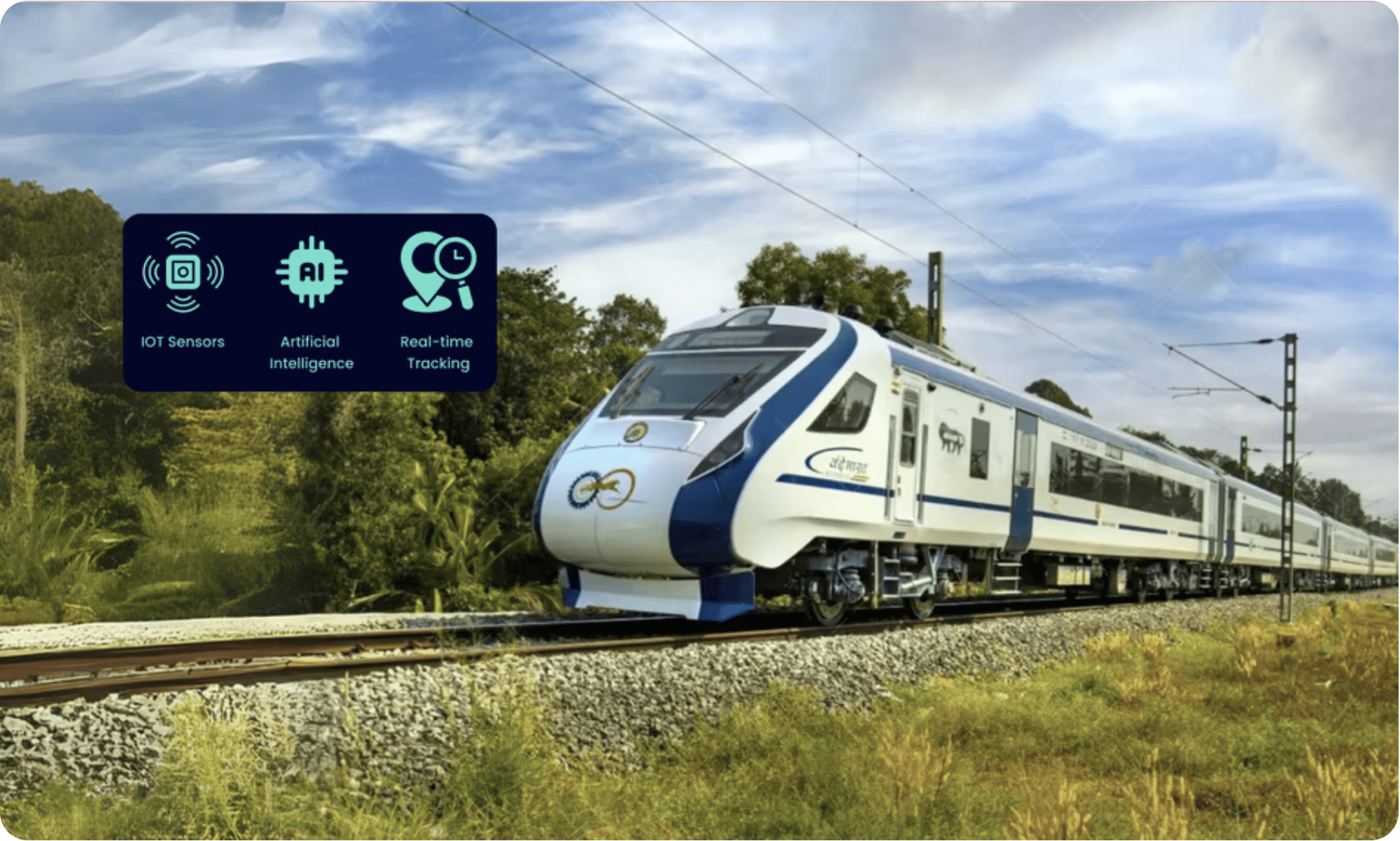
In 2024, I led the UX design for Indian Railways' groundbreaking predictive analytics system, transforming how 67,000 kilometers of track and 8,700+ locomotives are monitored for safety and maintenance. Working with the REMMLOT (Remote Monitoring and Management of Locomotives and Trains) infrastructure, I designed interfaces that process 14 million daily sensor events to predict equipment failures before they occur.
Impact: 40% faster alert response, 22 critical failures prevented, 30% reduction in maintenance time
The Problem
Business Challenge
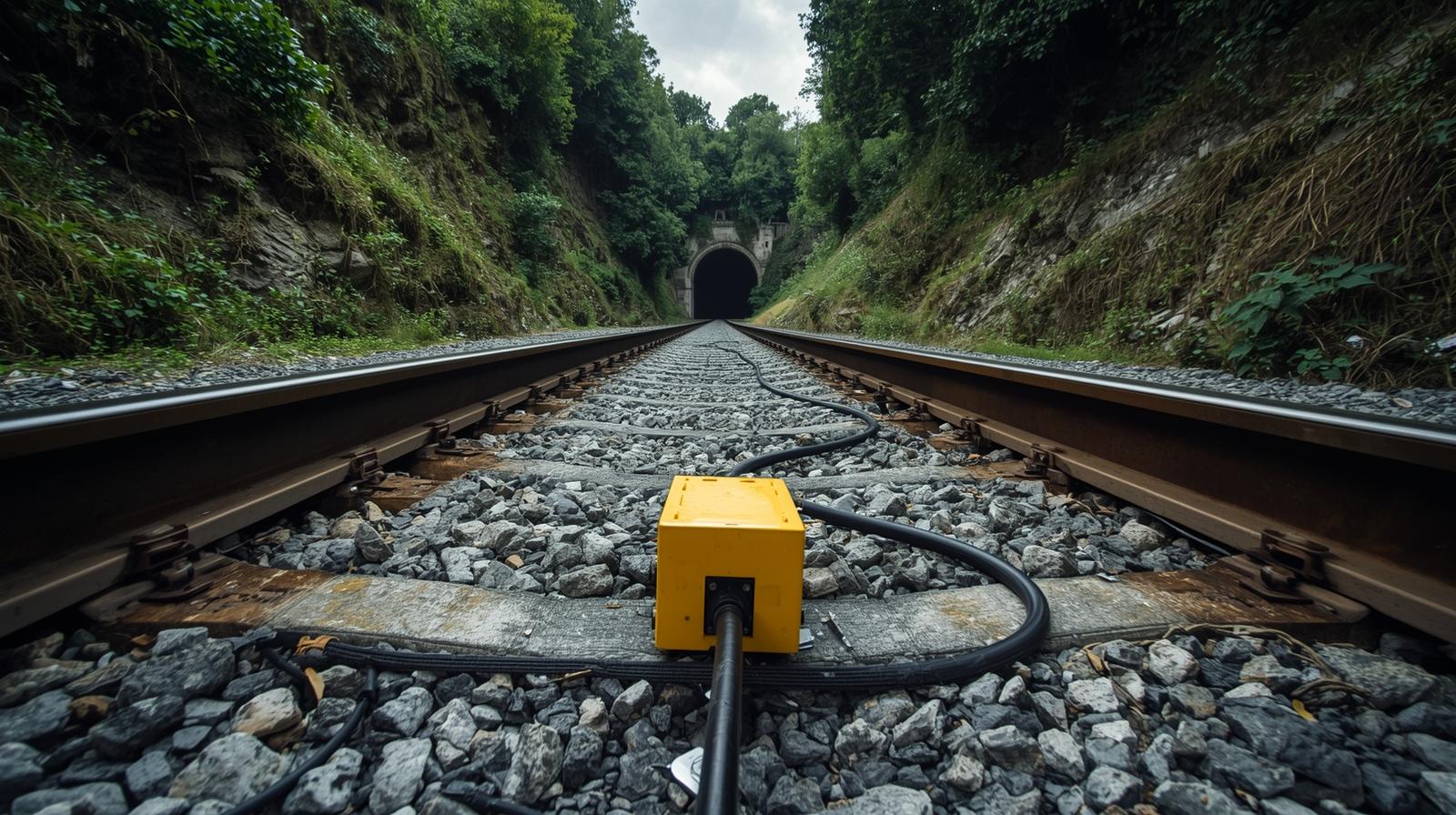
Indian Railways faced a critical safety and efficiency issue. With over 100 annual rail accidents—most caused by derailments—locomotive health monitoring systems were outdated. Vital diagnostic data was stored onboard and accessible only after trains returned to maintenance sheds.
User Pain Points
During research sessions with railway operators, maintenance staff, control room teams, and field engineers, we identified several workflow challenges:
Information Overload: Millions of sensor events per day made it hard to identify critical alerts.
Scattered Data: Important insights were hidden in spreadsheets and tables, slowing down analysis.
Reactive Maintenance: Failures were often noticed only after breakdowns due to manual monitoring.
Fragmented Tools: Users had to switch between multiple systems, increasing workload and confusion.
My Role & Collaboration
As an Associate UX Designer, I worked closely with the UX Architect, product team, and AI engineers to:
Contribute to user research and synthesize findings into actionable insights.
Create user flows, wireframes, and interactive prototypes for the monitoring dashboard.
Support usability testing and iterate designs based on user and stakeholder feedback.
Collaborate with developers to ensure smooth design implementation.
My focus was on translating complex technical data into intuitive, user-friendly visual dashboards that improved situational awareness and decision-making speed.
Research & Insights
Field Research MethodsI employed comprehensive UX research methodologies adapted for this safety-critical environment:Contextual Inquiry: Spent 2 weeks in locomotive control rooms and maintenance sheds observing operators in their natural work environmentUser Interviews: Conducted 25+ interviews with operators, technicians, and engineers across different railway divisionsField Observations: Shadowed maintenance teams during both scheduled and emergency repair operations
Key Insights
1. Alert Fatigue Crisis
Existing systems generated thousands of low-priority alerts daily, training operators to ignore warnings—even critical ones.
2. Mobile-Desktop Context Switching
Field engineers needed mobile access for on-site diagnostics, while control room operators required comprehensive desktop dashboards.
3. Hierarchical Information Needs
Different user roles required different data granularity—executives needed KPIs, operators needed real-time status, technicians needed diagnostic details.
4. Trust Through Transparency
Users only trusted systems when they understood the AI's reasoning behind predictions—a "black box" approach failed completely.
Design Process
Phase 1: Information Architecture
Drawing from research on industrial control systems and real-time data visualisation, I structured the system around three core user journeys:Real-time Monitoring: Continuous health oversightAlert Management: Prioritised response workflowsPredictive Analysis: Proactive maintenance planning
Phase 2: Tackling Complex UX Challenges
Challenge 1: Complex Data Visualisation
Solution: Implemented progressive disclosure with health status heatmaps, drill-down capabilities, and contextual overlays. Used color-coded severity levels following established industrial standards.
Challenge 2: Alert Fatigue
Solution: Designed intelligent alert prioritisation with three-tier system (Green/Yellow/Red) and auto-dismissal of resolved issues. Incorporated user feedback loops to continuously refine accuracy.
Challenge 3: Mobile vs Desktop Needs
Solution: Created responsive design system with touch-optimised mobile interfaces for field work and comprehensive desktop dashboards for control rooms.
Challenge 4: Real-time Requirements
Solution: Implemented streaming data architecture with sub-minute latency and offline-capable mobile apps for remote locations.
Design Iterations
Iteration 1: Initial designs overwhelmed users with technical sensor data
Learning: Users needed operational context, not raw metrics
Iteration 2: Simplified to status indicators but lost diagnostic capability
Learning: Technical users still needed access to detailed data for troubleshooting
Final Solution: Layered information architecture with progressive disclosure—overview for monitoring, details on-demand for diagnosis
Final Solutions
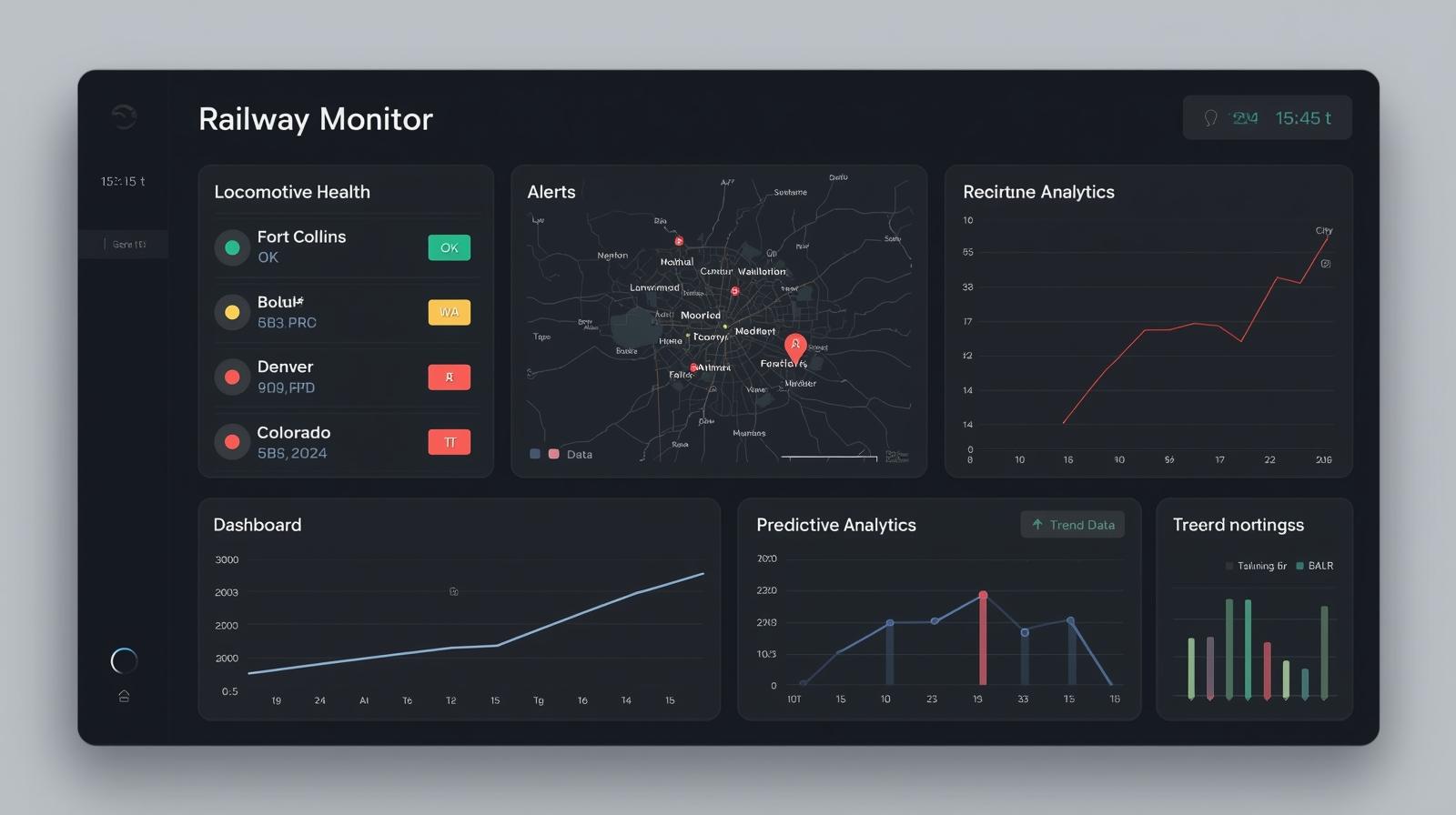
Real-time Dashboard Interface
Fleet Health Overview:
Geographic visualisation of 4,000+ locomotives with color-coded health status
Predictive Timeline: Visual forecast showing predicted failure probabilities with confidence intervals
Smart Filtering: Role-based views ensuring operators see relevant information without overload
Intelligent Alert SystemThree-tier Urgency:
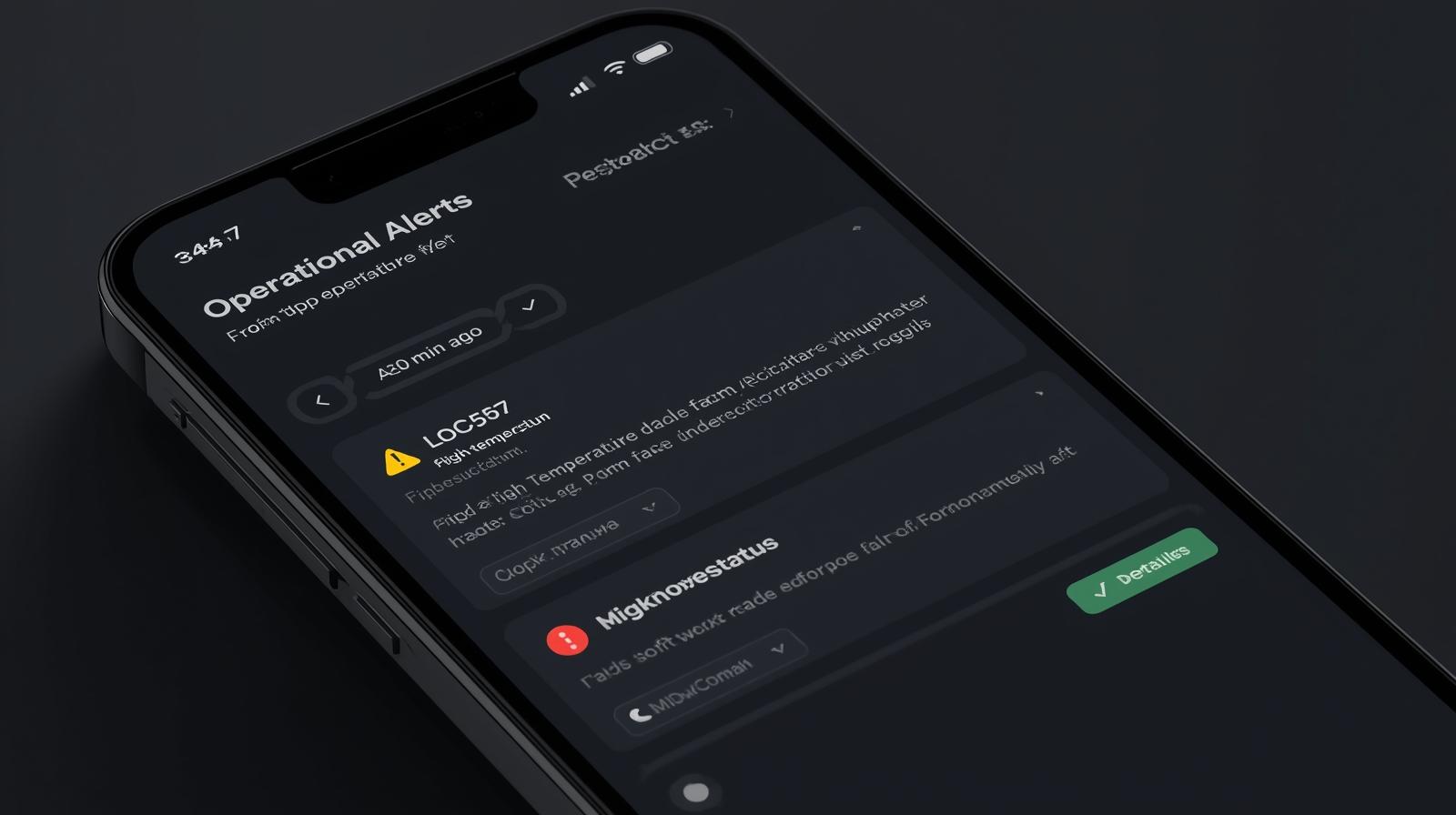
Color-coded alerts (Green/Yellow/Red) with standardised iconography.
Contextual Notifications: Mobile push alerts with locomotive ID, location, and recommended actions.
Auto-resolution: Self-clearing alerts for resolved issues to prevent notification spam.
Mobile Field InterfaceOffline Capability:
Critical functions work without connectivity for remote locations.
Touch-optimised Controls: 44px+ touch targets and simplified navigation for gloved operation.
Diagnostic Tools: On-site access to sensor data and maintenance history.
Predictive ReportsMaintenance Scheduling:
AI-generated recommendations for optimal service timing
Performance Analytics: Trend analysis and failure pattern identification
Executive Dashboards: High-level KPIs for strategic decision-making
Measuring Success
Quantitative Impact
Metric | Before | After | Improvement |
|---|---|---|---|
Alert Response Time | Hours (manual) | Minutes (automated) | 40% faster |
Critical Failures Prevented | 0 | 22 (Vande Bharat trains) | 22 lives/incidents saved |
Maintenance Efficiency | Baseline | Optimised | 30% time reduction |
User Error Rate | High (Excel-based) | Minimal | 75% error reduction |
Qualitative Success Metrics
User Satisfaction: Post-implementation surveys showed 90%+ satisfaction with new interface
Adoption Rate: 100% adoption across equipped locomotives (4,000+ units)
Training Time: Reduced onboarding from weeks to days due to intuitive design
Business Impact
The system achieved remarkable outcomes that positioned Indian Railways as a global leader in predictive maintenance:
Safety: Contributed to Indian Railways achieving its lowest accident rate in 35 years.
Efficiency: Improved locomotive availability from 85% to 92%.
Cost Savings: 10% reduction in maintenance costs through optimised scheduling.
Scalability: Framework expanded to track monitoring, signaling systems, and passenger services
Key Learnings
1. Context is King in Enterprise UX
Industrial users need to understand not just what the system is telling them, but why it matters in their operational context. AI transparency isn't nice-to-have—it's essential for user trust and adoption.
2. Progressive Disclosure Solves Information Overload
Rather than hiding complexity, successful enterprise interfaces layer information thoughtfully. Operators need both high-level status and diagnostic details, but not simultaneously.
3. Multi-Modal Experiences Are Critical
Safety-critical systems require seamless handoffs between desktop monitoring and mobile field work. Design systems must account for different devices, environments, and use contexts.
4. Iterative Testing Prevents Costly Mistakes
In high-stakes environments, small UX improvements can have massive safety and financial implications. Regular user testing and feedback loops are investments, not expenses.
Design Philosophy for Mission-Critical Systems
When human lives depend on your interface, every pixel matters. The best enterprise UX is invisible—users accomplish their goals efficiently without thinking about the interface itself.
Technical Skills Demonstrated: Enterprise UX Design, Real-time Data Visualisation, Industrial Interface Design, Mobile-Desktop Responsive Design, Predictive Analytics UX, Alert System Design, User Research in Safety-Critical Environments
This case study represents my contribution to one of the world's largest predictive maintenance implementations, showcasing the ability to design life-saving interfaces that balance complex technical requirements with human-centered usability.